The Unintended Peek Behind the Curtain
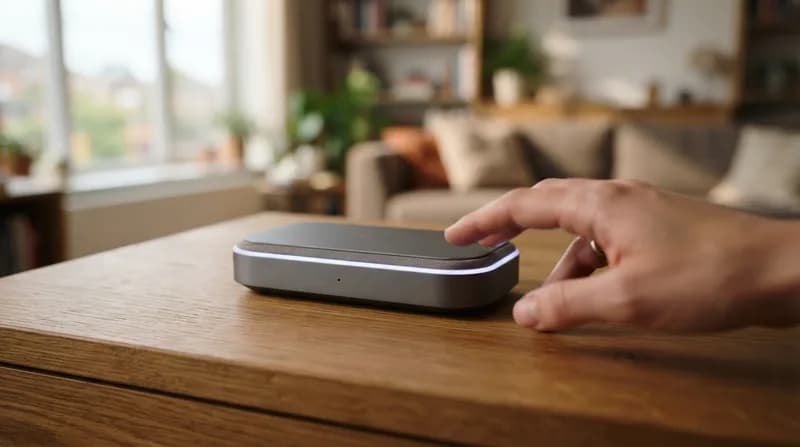
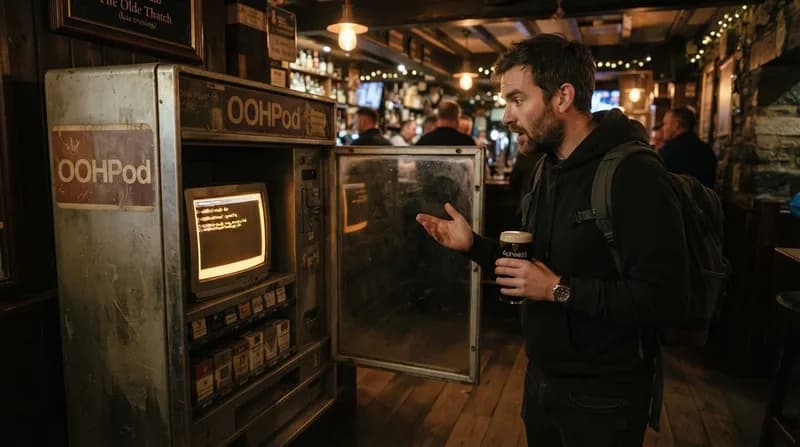
For the average consumer, a parcel locker is a simple, seamless utility: scan a barcode, watch a door pop open, and retrieve your package. However, users of Ireland’s OOHPod service recently experienced a rare moment of digital transparency that highlights the complexities of kiosk-based hardware. Instead of the polished, user-friendly interface typical of these automated drop-off and retrieval stations, a customer was greeted by a stark, unmistakable sight: the Windows command prompt, sitting idle on the touchscreen display.
This incident serves as a striking reminder that behind the sleek hardware of modern self-service kiosks, there is often a full-fledged operating system running the show. In this case, the underlying architecture was Windows, which, due to a minor software hiccup, decided to drop its protective facade and expose its command-line interface to the general public. While the situation was resolved with a simple tap on the screen—which successfully minimized the window and returned the locker to its intended state—it highlights a common vulnerability in embedded systems that rely on general-purpose desktop operating systems.
Why It Matters: Kiosk Security and Reliability
- Interface Exposure: When kiosks use standard operating systems, they are vulnerable to "breakouts" where the graphical user interface crashes, leaving the system shell exposed.
- Security Implications: Leaving a command-line interface accessible—even without an external keyboard—poses a theoretical risk, as enterprising individuals could potentially manipulate system files or network settings if input methods are available.
- User Experience: Unexpected technical glitches can cause significant friction, potentially locking out users from their own parcels and necessitating on-site support to reboot or reset the hardware.
The incident at the OOHPod locker was quickly corrected, ensuring that the next user had no idea their delivery portal had momentarily turned into a window into the inner workings of an operating system. While the urge to experiment with such a terminal is high among tech enthusiasts, these "borked" displays emphasize the importance of robust "kiosk mode" software, which restricts the OS from displaying system files or diagnostic prompts to the end user. As we continue to automate daily tasks through physical hardware interfaces, ensuring these systems remain sealed off from the underlying architecture is essential for both security and consistent service delivery.