The Revamped Windows Search Experience
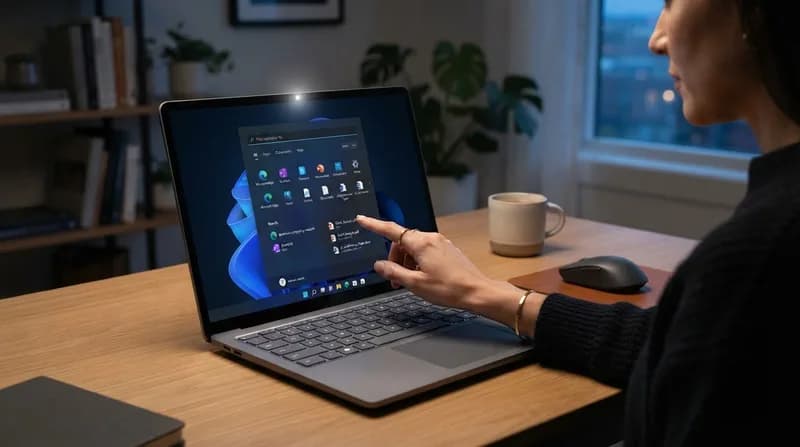
Microsoft has rolled out its final optional non-security update of 2026, KB5132057, bringing substantial changes to the Windows 11 25H2 and 26H2 environments. The centerpiece of this release is a significantly overhauled Windows Search experience. Building on testing conducted in previous months, the updated tool aims to shed its reputation for sluggish performance and clutter. The new interface processes results with increased speed and improved memory efficiency, allowing users to preview files directly within the search window rather than navigating away from the current workspace.
Beyond speed, the update introduces "inline actions," designed to allow users to execute system commands directly from the search bar. For example, users can toggle settings like dark mode without opening the traditional Settings app. While the implementation is still maturing—specifically regarding natural language processing and command recognition—the shift indicates a broader push to make the search bar a centralized hub for OS interaction, effectively bridging the gap between desktop navigation and quick-access utility.
Enhanced Windows Hello and Utility Tools
Addressing the pain points of users working in varied environments, Microsoft has introduced a new screen-brightening feature specifically for Windows Hello. This functionality is engineered to improve facial recognition accuracy in dimly lit rooms, ensuring that biometric authentication remains reliable regardless of ambient light levels. This is a practical, user-focused addition that solves common friction points for professional and personal users alike.
Furthermore, the update incorporates features reminiscent of the PowerToys "Run" dialog, now accessible directly within Windows settings. By bringing this level of granular control into the core OS, Microsoft is catering to power users who prefer keyboard-centric workflows. This, combined with the refined search architecture, suggests that the operating system is moving toward a more "modular" and "action-oriented" philosophy, where the desktop experience is dictated more by immediate user intent than by deep folder navigation.
Critical Fixes and Ongoing Maintenance
While the feature updates take the spotlight, the update serves as a critical cleanup for various underlying issues. Among the notable resolutions, the update addresses a long-standing failure in Windows Fax and Scan, ensuring it correctly connects to fax servers. Additionally, it resolves activation failures that have plagued Windows IoT Enterprise LTSC users, providing much-needed stability for industrial and enterprise environments.
The release also patches issues related to cross-device passkey authentication on Android, which had previously manifested as misleading error messages. However, the update does not resolve every known issue; for instance, the company is still addressing a specific SQL Server query problem where OLE DB providers fail to close external database connections correctly. Microsoft has confirmed that these pending fixes will be deferred to future updates, marking a close to their non-security release cycle for 2026 while ensuring that standard security-focused Patch Tuesday cycles remain untouched through the holiday season.