
A Shift to Default Backup Policies
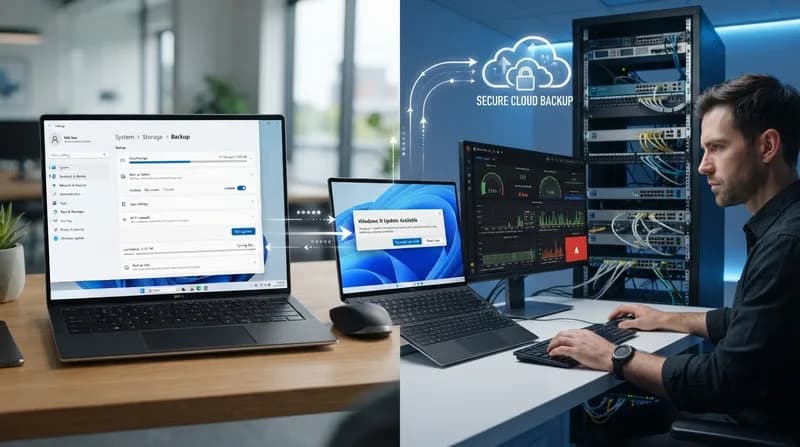
The release of the Windows 11 26H2 update has introduced a significant shift in how Microsoft manages device settings. While the update itself arrives as a relatively low-profile enablement package for users already on 25H2, it brings a major change for enterprise environments: Windows settings backup is now enabled by default. Previously an opt-in feature, this functionality automatically syncs device preferences and a catalog of installed Microsoft Store applications to the cloud.
For Microsoft, the move is framed as a strategic step toward a cloud-first management approach. The goal is to simplify the transition process for users switching to new hardware, allowing settings to be restored seamlessly during the initial setup of a new machine. By automating this, the company aims to reduce the friction often associated with device migration within corporate ecosystems.
Implications for IT Infrastructure
The transition from an opt-in to an opt-out model has created friction for IT administrators tasked with maintaining strict data governance. Because the backup feature now activates automatically upon the installation of 26H2 on eligible Entra-joined or Entra Hybrid-joined devices, administrators who have not previously configured explicit policies to disable the feature will find it turned on by default.
This "on-by-default" status presents a compliance hurdle for many organizations. Data sovereignty remains a primary concern; for many companies, particularly those operating in highly regulated industries or regions covered by the EU Digital Markets Act, sending device configurations to the cloud is restricted or prohibited entirely. While Microsoft has clarified that these automatic backups will not be enabled in specific restricted environments or protected regions, the onus now rests on local IT teams to ensure their configurations align with internal privacy standards immediately following the update.
Why it Matters
- Data Governance: IT departments must now proactively opt-out of cloud-sync features rather than choosing to enable them as needed.
- Enterprise Workflow: The update pushes organizations toward a cloud-managed paradigm, which may conflict with existing on-premises security protocols.
- User Transparency: While the backup is limited to system settings and app lists—not user data files—the lack of explicit consent in the setup process has sparked concerns regarding transparency in enterprise IT.
Ultimately, while the 26H2 update might feel like a minor refresh in terms of visual features, its administrative footprint is substantial. IT professionals are encouraged to review their existing group policies and cloud configuration profiles to ensure they maintain control over their organization's data footprint before the update propagates across their fleet.